Nonprofits have ambitious missions and very limited resources. That makes every technology decision feel high-stakes: the right tool frees up time for the work that matters, and the wrong one adds cost and complexity a small team can't absorb.
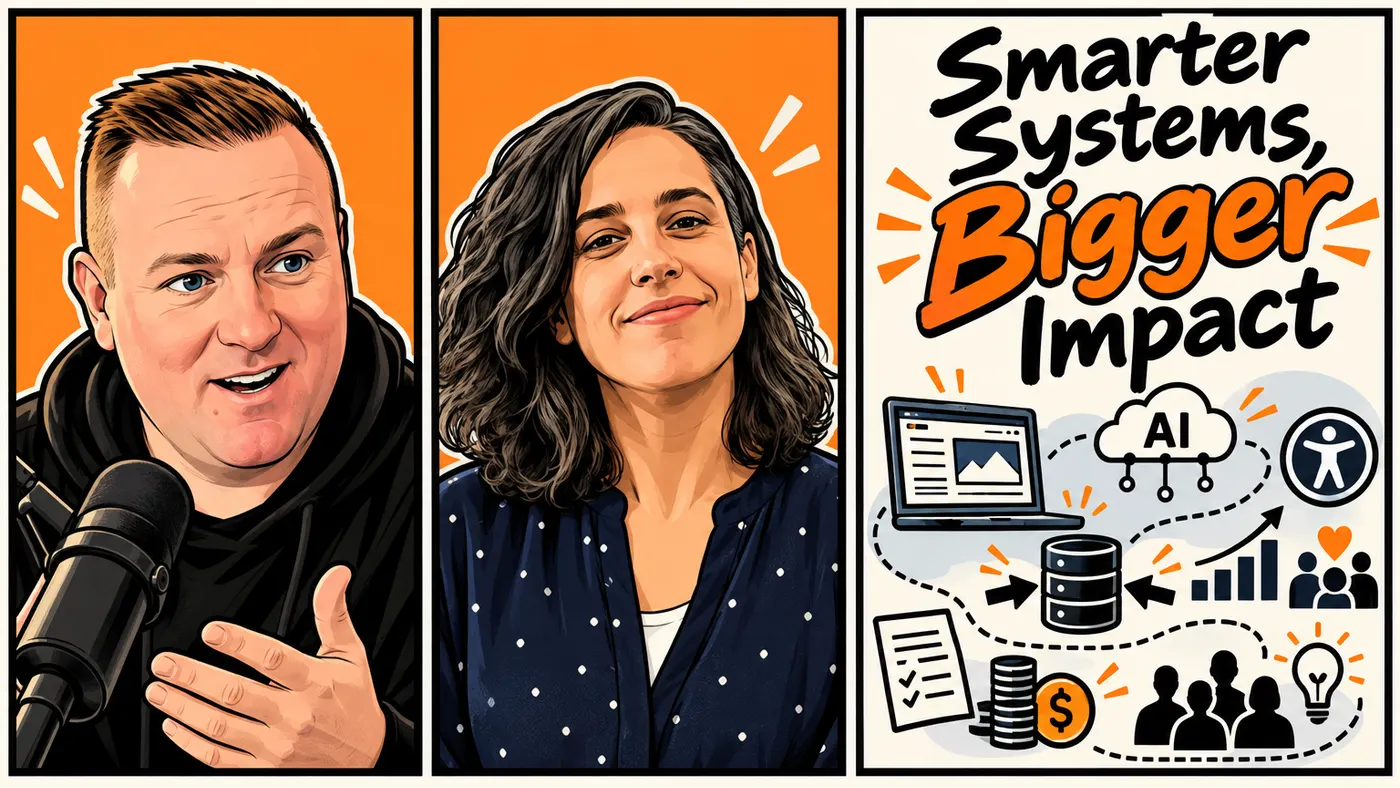
In this episode of the Code To Cloud podcast, I sat down with Sarah Wimberley, enterprise architect and founder of Ulster Technologies, to talk about the technology and data challenges nonprofits face and the practical ways to address them. Sarah works with organizations on everything from strategic planning to disconnected systems and tight budgets. Her core message is one small nonprofits need to hear: meaningful progress doesn't require a major software investment. It starts with understanding what's getting in the way, and choosing improvements the organization can actually sustain.
What's Inside
- Why the cheapest-looking tool can be the most expensive one for a volunteer team
- Putting technology and data into the strategic plan, not after it
- How Sarah's nonprofit uses AI to review its website, with people making the calls
- Treating the website as part of the service, not just marketing
- Consolidating systems on purpose, with a five-step starting point
- Sarah's three recommendations for any nonprofit
Nonprofit Technology Is a Balancing Act
Nonprofits share most of their technology problems with businesses and municipalities. What they don't share is the staff, the budget, or the time to fix them.
Sarah's example stuck with me: a volunteer-run organization with an annual budget of $11,000 and no paid staff. For a team like that, even a tool that looks affordable carries a hidden cost: the time to set it up, learn it, maintain it, and keep it useful once the person who championed it moves on.
That's why buying a new platform shouldn't be the first step. Before choosing a tool, ask:
- What problem are we actually trying to solve?
- Who will maintain this?
- Will it save more time than it takes to manage?
- Can we keep using it when the free trial ends?
- Does it fit the way our organization actually works?
The best choice isn't the one with the most features. It's the one the organization can afford, use, and sustain. It's the same test I'd apply for any small business; we covered the ownership side of it in Who Owns Your Business Technology?, because a tool a volunteer set up on a personal account is a tool you can lose overnight.
Make Technology Part of Strategic Planning
Sarah's first recommendation is to put technology and data in the strategic plan. Technology shapes how people work, how information flows, how constituents engage, and how financially sustainable the organization is. Treating it as an afterthought means it gets decided by whoever has time that week.
If your organization plans every three to five years, add questions like these:
- Where do staff and volunteers lose the most time?
- Which processes create friction for donors or constituents?
- What information do we need to make better decisions?
- Are our systems helping us deliver on our mission?
- What technology risks or maintenance responsibilities are we taking on?
This framing also makes AI a calmer conversation. A nonprofit may want to adopt AI without the people or governance capacity of a large company. That doesn't put AI off limits. It means the use case has to be clear, and human oversight stays part of the process. If you're not sure where your organization stands, our guide to what an AI readiness assessment actually checks walks through the data, process, and people questions to answer first.
Use AI for Practical, Repeatable Work
For nonprofits, the most useful AI applications are practical, not flashy.
Sarah described how a nonprofit she volunteers with uses AI to review its website every quarter: broken links, accessibility concerns, and information that conflicts from one page to the next. The AI produces findings. The team reviews them and decides which fixes matter most.
That kind of work helps a small team spot problems sooner, keeps content consistent, and cuts the time spent on repetitive review. The key is treating AI as support, not as a substitute for judgment. A person still evaluates the findings, checks that the recommendations make sense, and makes sure the changes fit the organization.
A useful test before adopting any AI tool:
Will this give our team more time for meaningful work, or simply add another thing to manage?
One caution from our side: be deliberate about what goes into the tool. Donor and client records are exactly the kind of data that shouldn't be pasted into a free chatbot. We wrote about why in Shadow AI: What's Actually Running on Your Team's Laptops.
Running a nonprofit or small organization and not sure where AI fits? Talk it through with us. Book a Free Strategy Call →
Treat the Website as Part of Your Service
A nonprofit website is more than a marketing asset. It's often the first place a potential donor, volunteer, member, or constituent meets the organization. If it's confusing or inaccessible, people can't find the information or services they came for.
Sarah's team reviews its site with its audience in mind, including older adults who may already find complicated websites hard to navigate. The review looks for broken links, missing image descriptions, accessibility barriers, and pages that don't agree with each other. Fixing those things helps with:
- Making information easier to find
- Letting more people use the site
- Reducing confusion about what the organization does
- Improving donation and contact pathways
- Understanding where visitors get stuck
Website analytics add another layer. Pages people leave quickly, or linger on longer than expected, point to areas that need attention, and those patterns can inform future digital services too.
Consistency matters for machines as well as people. If different pages give conflicting answers about what an organization does, it's harder for visitors and AI systems to describe it accurately. When someone asks an AI assistant about your organization, it can only be as clear as your own website is.
Consolidate Systems Intentionally
Over time, nonprofits accumulate separate systems for data, reporting, communications, and day-to-day operations. Each was usually chosen to solve a real problem at the time. As the organization grows, those separate choices create extra work and make it hard to know which information is current. In Sarah's view, tangled systems like these are a bigger problem for most nonprofits than whether something runs on-premises or in the cloud.
She stresses that consolidation should be intentional. Moving everything into one new platform isn't automatically a fix. You need to understand how your data has evolved, where information lives, and what the new system has to support. A practical starting point:
- List the systems people currently use.
- Identify what data is stored in each one.
- Decide which system is the source of truth for each type of information.
- Decide what to consolidate, what to keep, and what to address later.
- Build a phased roadmap for any major migration.
The goal isn't to eliminate every imperfection at once. It's to make deliberate trade-offs, so the organization keeps operating while the unnecessary complexity comes down over time. If a migration means signing a new vendor contract, run it through our vendor contract review checklist first, especially the data export and exit terms.
Sarah's Three Recommendations for Nonprofits
Sarah closed with three starting points for any organization that wants to use technology better.
1. Include tech and data in strategic planning
Treat technology as part of the organization's core planning, not an issue to handle after every other decision has been made.
2. Ask people where they hit friction
Talk with staff, board members, volunteers, and constituents about what makes their work or their interactions harder. Then act on what you hear. Even a small improvement, like simplifying a donation form, can make a real difference.
3. Ask for help
Nonprofits don't have to solve every technology problem alone. Consultants, volunteers, students, and community members can contribute skills and support, and students get real-world experience while helping an organization meet a real need.
Listen to the Full Conversation with Sarah Wimberley
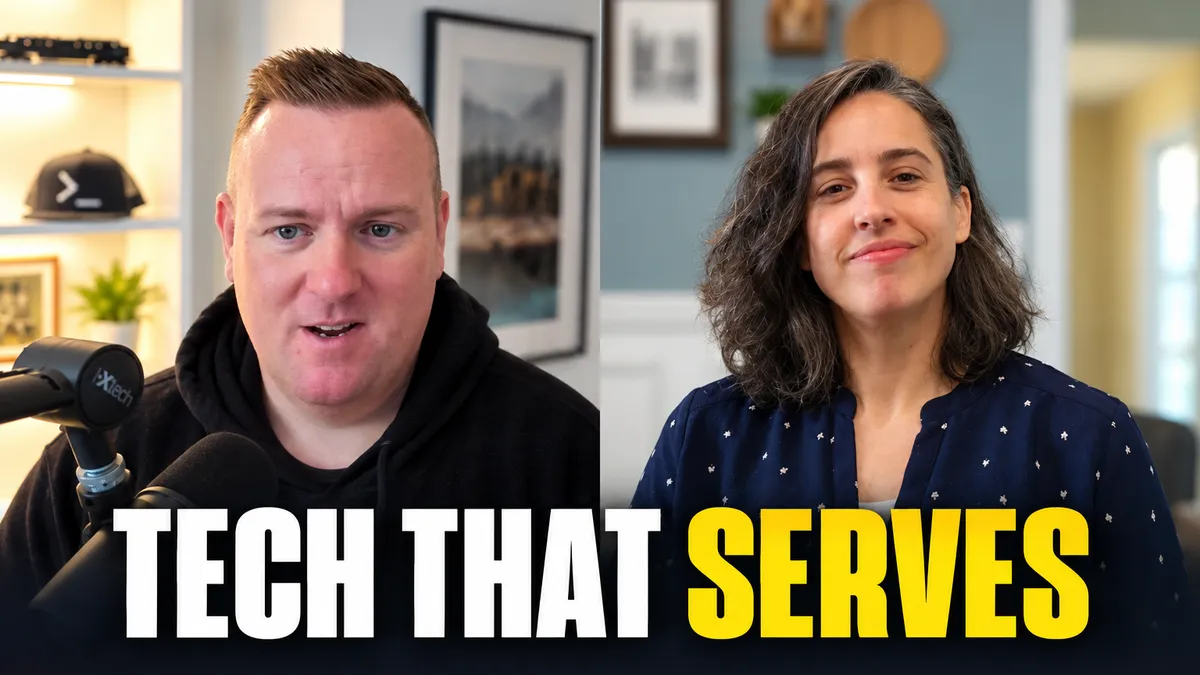
This post covers the main themes, but the full 43-minute conversation goes further into how Sarah's team runs its quarterly website review and how she helps organizations untangle their systems. Catch it wherever you listen:
If this one resonated, you might also like our conversation with Janak Alford on how Alberta is using AI to modernize government, another look at AI in organizations that serve the public.
Make Technology Serve the Mission
Nonprofits don't need to adopt every new tool or tackle every technology problem at once. Steady progress comes from putting technology and data into strategic planning, using AI for focused tasks with human review, improving the website, and consolidating systems when there's a clear reason to.
The aim isn't technology for its own sake. It's giving people more time and better tools to do the work that matters.
Have a question after listening? Book a free strategy call or join our Discord community. Catch every episode on the Code To Cloud podcast page.
Kevin Evans
 Founder, Code To Cloud Inc.
Kevin Evans leads agentic DevOps and application modernization engagements for enterprise and mid-market teams, and offers fractional CTO advisory to growing businesses. He spent nearly five years at Microsoft, rising to Senior Solutions Engineer, and is a CNCF Ambassador and Calgary chapter lead, based in Calgary, Alberta. He also hosts the Code To Cloud podcast. More about Kevin
Founder, Code To Cloud Inc.
Kevin Evans leads agentic DevOps and application modernization engagements for enterprise and mid-market teams, and offers fractional CTO advisory to growing businesses. He spent nearly five years at Microsoft, rising to Senior Solutions Engineer, and is a CNCF Ambassador and Calgary chapter lead, based in Calgary, Alberta. He also hosts the Code To Cloud podcast. More about Kevin
Frequently Asked Questions
Should small nonprofits use AI?
They can, when there is a clear use case and people remain responsible for reviewing the results. Practical, repeatable tasks, such as checking website content for broken links, accessibility gaps or contradictory information, are good places to start.
What should a nonprofit do first if its technology feels messy?
Start by identifying the most frustrating or costly problem. Understand which tools and processes are involved before deciding whether to consolidate, replace or improve them.
Why should technology be included in a nonprofit's strategic plan?
Technology affects how an organization serves people, manages information and uses its resources. Including it in strategic planning helps make sure systems support the mission and stay sustainable, instead of being handled only after every other decision is made.
What is one practical way to improve a nonprofit website?
Review the site for broken links, confusing or contradictory information and accessibility barriers such as missing image descriptions. Prioritize fixes based on the needs of the people who rely on the site.